Technical Guides
Double-Action Drawing Press: Read Both Force Ratings
Read main-cylinder and blank-holder force separately, then check stroke, opening height and tooling information against the selected model.
A single force entry can leave the enquiry incomplete
Imagine receiving a drawing-press proposal that repeats a model name but shortens the specification to a single force field. You still need to know which cylinder that field describes. Before comparing the proposal with a brochure, preserve the names of the separate force ratings. This is a guide to reading purchasing information, not a method for calculating the force required by a part.
The company brochure describes the four-column double-action drawing press as combining a main drawing cylinder with a blank-holder cylinder. It also states that main-cylinder, blank-holder and ejector parameters are listed separately by model. Your comparison should keep that separation visible from the beginning.
Why a shortened specification causes confusion
If an enquiry drops the blank-holder field, a later response may leave you unsure whether it was considered or simply omitted from the summary. The purchasing problem is an incomplete record. A separate line for each named field makes it easier to identify an unanswered question without making assumptions about the machine or the proposed process.
The same discipline applies to a model suffix. Treat it as part of the model identifier and read the actual specification entries beside it. Do not turn the model name into a new force statement. Once that distinction is clear, the brochure example becomes easier to use as a reference.
Read the example without combining the ratings
The company brochure lists JLH1-50TS with main cylinder force of 35 ton and blank-holder force of 15 ton. These are separate entries for that listed model. Keep each value with its original label and do not add them together as a replacement specification.
For the same model, the company brochure lists main stroke of 350 mm and opening height of 600 mm. It also lists worktable L–R of 500 mm and worktable F–B of 550 mm. These are model-specific reference entries; the selected configuration and final specifications must be confirmed in the order contract.
Keep stroke, opening height and table dimensions in separate fields on your comparison sheet. The published values do not establish that your tooling fits or that the model is appropriate for your part. They identify what must be discussed alongside the application information, without turning a reference example into a selection recommendation.
Connect the fields to your drawing enquiry
The company brochure asks for material, thickness, part drawing and die dimensions to discuss drawing force, blank-holder force and opening height. Use that request as the basis of your technical enquiry, and share only information you are authorized to provide. Mark missing or preliminary dimensions so the discussion can address them directly.
For application context, the company brochure lists kitchen sinks, tableware and pot liners, as well as motor housings and electrical enclosures. Those examples describe the series application scope. They do not establish a force requirement for an individual item or show that the reference model has been approved for your drawing.
A hypothetical buyer with a metal housing drawing can therefore present the drawing and material information while leaving force selection as an explicit discussion item. The useful next step is a model-specific response that retains the separate ratings and clarifies the proposed configuration, rather than an unsupported declaration that the brochure example will suit the part.
Questions before accepting the specification
Can I compare models using only the main-cylinder force?
That leaves out the separately listed blank-holder information. Retain all relevant named fields when comparing drawing-press proposals, then seek clarification of the proposed arrangement against your authorized application details.
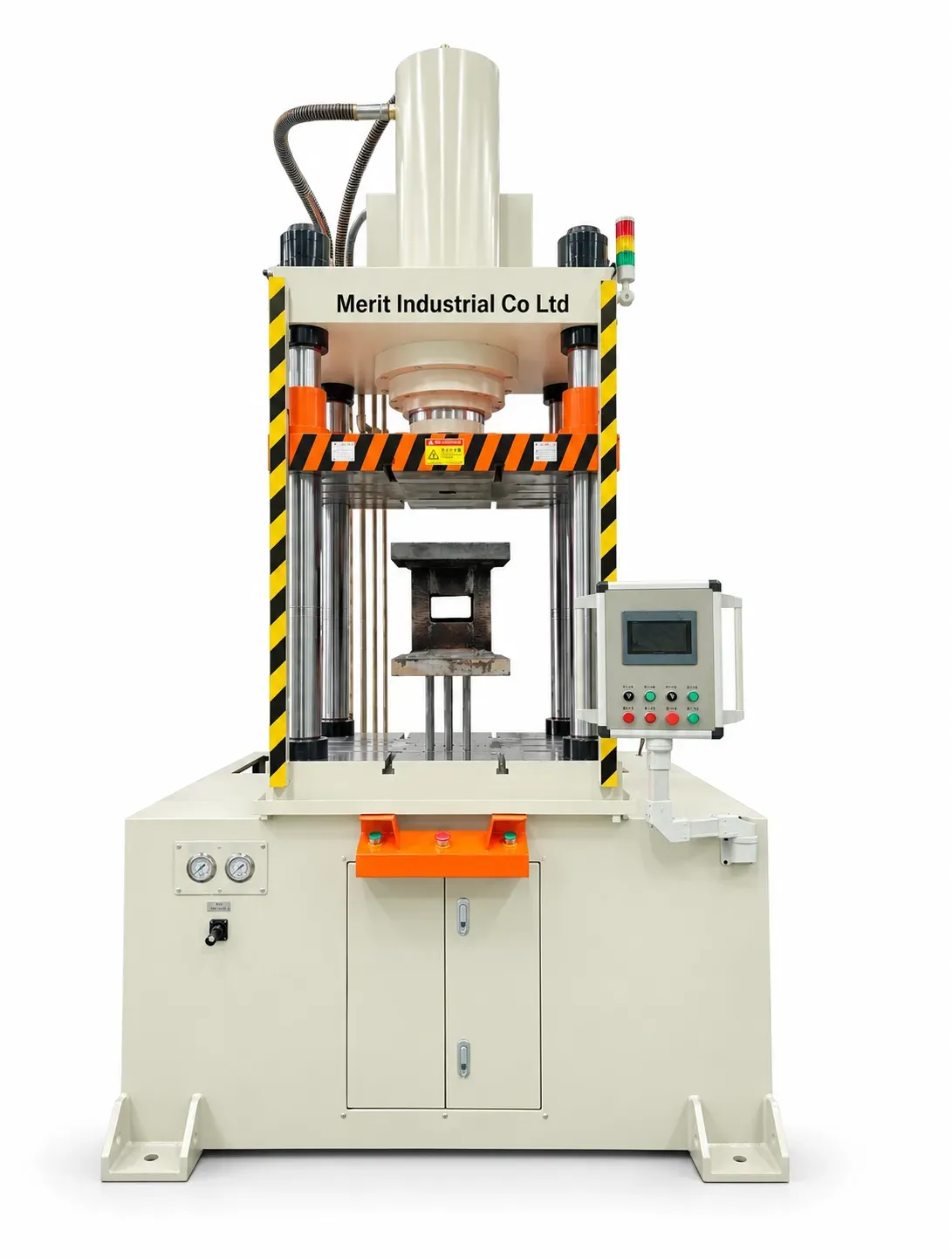
Does the illustration identify JLH1-50TS?
The cover is an approved AI series illustration, not confirmation of an exact engineering configuration. Use the named model entry for reference values and confirm final specifications in the order contract.
Keep both ratings in the technical discussion
Send Merit your authorized material, thickness, drawing and die information to discuss the separate drawing and blank-holder force requirements and the selected configuration.